 FlowTime
Bring focus back to your own rhythm with Flowmodoro.
A timer that never forces a 25‑minute stop
Flowmodoro means working until your focus fades, then resting. If Pomodoro makes you restless, this Flowtime-based style keeps you in flow without being chased by a fixed timer.



- No fixed 25 minutes—rest exactly when focus dips
- Each session length is logged so you learn your best rhythm
- Browser-based Flowmodoro timer you can start in seconds
- Review focus vs breaks later with simple charts
A Flowtime timer optimized for Flowmodoro sessions
What is Flowmodoro? A Flowtime-based alternative to Pomodoro
Flowmodoro keeps the Pomodoro idea of “focus then rest,” but drops the fixed 25-minute block. You work as long as focus lasts, then take a break. It is built on the research-backed Flowtime Technique so you can stay in flow and only pause when you truly need to.
Flowmodoro = Flowtime Technique
ポモドーロとの共通点
- Creates a rhythm of focus → break
- Uses a timer to add intention and cadence
フローモドーロだけの特徴
- Session length is flexible—you stop when focus fades
- Break length adapts to how you feel, not a preset number
- Every session is logged so you learn your personal best window
FlowTime is the dedicated timer that lets you run Flowmodoro (Flowtime) exactly as designed.
Pomodoro vs Flowmodoro (quick view)
For a deeper comparison, see /pomodoro-vs-flowtime. Here we keep it short for Flowmodoro searches.
Why Flowmodoro feels lighter than classic Pomodoro
Designed to lower timer stress while lifting the quality of your focus time.
Stay in flow
No mid-thought buzzer. You keep going when momentum is strong.
Learn your best session length
Each run is logged so you discover whether you thrive at 32 or 47 minutes.
Great for long-form work
Architecture, writing, coding—flow-friendly tasks no longer get chopped at 25.
Reflect on your daily rhythm
Spot patterns like “mornings = 45 min, evenings = 20 min” with simple charts.
Free, browser-first
No installs. Open FlowTime and try Flowmodoro right away on any device.
How to start Flowmodoro in 3 steps
No setup headaches—open FlowTime and follow these steps.
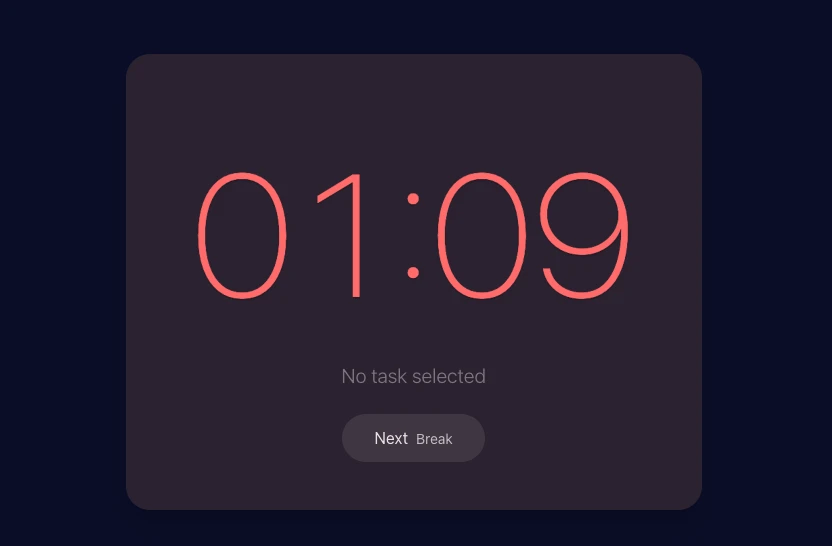
Pick one task
Enter a task name in FlowTime and hit start. Defaults are fine.
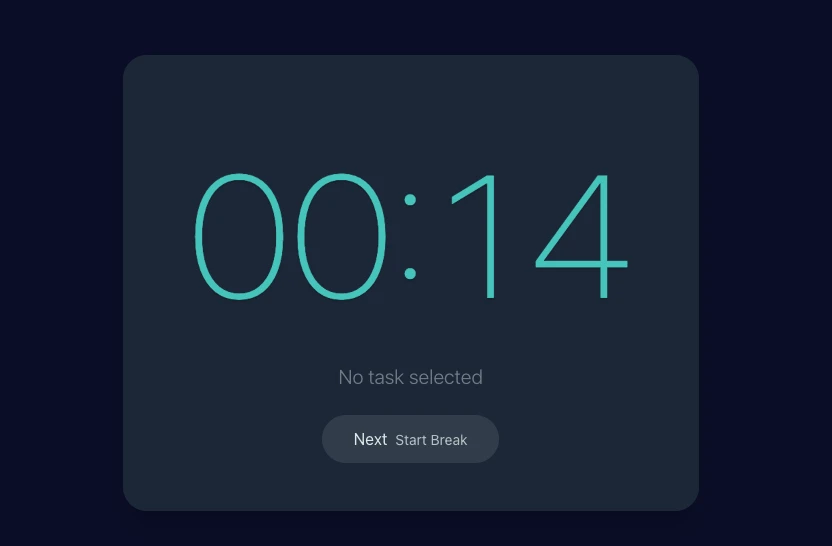
Work until focus fades
Forget the 25-minute tick. Stop only when you feel the dip.
Break, then review
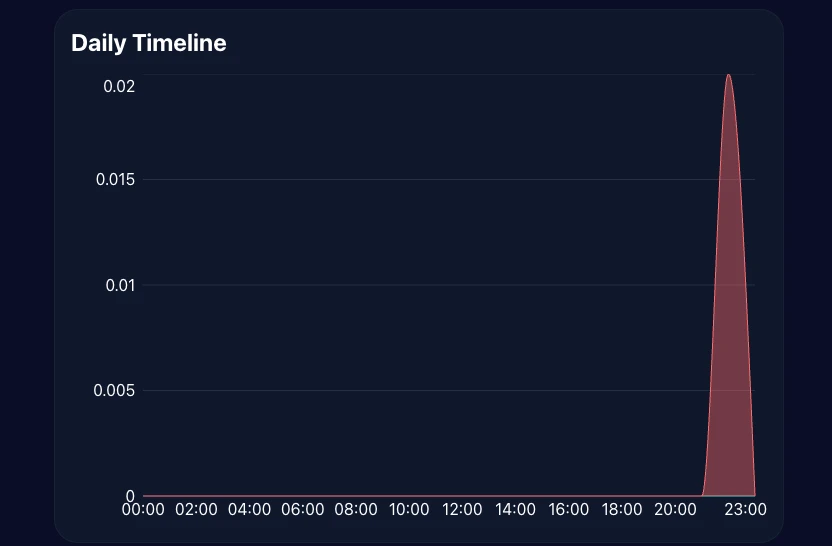
Tap break to log the session. After a few runs, review your charts to see patterns.
Use FlowTime as your Flowmodoro timer
FlowTime is built for Flowmodoro from day one. You pick the stop moment, and it logs each session and your daily totals automatically.
Plans & Pricing
Come back to your focus logs from any device.
Choose a plan that fits your workflow.
Free
For getting started
- Tasks Unlimited
- Projects Up to 3 (excluding Inbox)
- Kanban View only
- Stats dashboard TODAY / WEEK only
- CSV / JSON export
- Google Calendar integration
Pro
Low-cost entry plan for core upgrades
- Projects Unlimited
- Kanban Full (editable)
- Stats dashboard Up to MONTH
- CSV / JSON export Up to 31 days
- Google Calendar integration
Premium
Main plan for full-range analysis and unlimited export
- Everything in Pro
- Stats dashboard YEAR / FULL
- All-time summary Full range
- CSV / JSON export Unlimited range
One-time purchase
Use Premium-equivalent analytics with a one-time payment when you do not want another subscription.
Limited-time launch price
$50$28
One-time
- One-time payment
- Premium-equivalent analytics
- No future billing
Secure payments via Stripe · Cancel anytime
Why people moved from Pomodoro to FlowTime
Real feedback from users switching to a flow-friendly timer.
“Pomodoro kept ringing right when my design idea clicked. With FlowTime I stay in flow until I am truly done, so my thinking never gets chopped.”
Flowmodoro FAQs
Answers for the most common Flowmodoro questions.
If Pomodoro felt too rigid, Flowmodoro is your next try.
FlowTime is free to start
Switching to a flow-friendly timer is all it takes. Try one session today with FlowTime and feel the difference.