 FlowTime
Unlock a Level of Focus
the Pomodoro Can't Offer
FlowTime Focus Timer applies the Flowtime technique with automatic break suggestions, session tracking, and a stats dashboard for reflection. Sign in with Google to sync across devices.




- Sign in to Sync Across Devices
- Free to Start
- Automatic Break Suggestions
- Automatic Tracking & Visualized with Graphs
Experience the focus-break cycle with the fully functional timer right on this page.
Benefits of the FlowTime Timer
Six reasons why it will maximize your focus. Read our article explaining the Flowtime Technique.
No Hesitation to Start
Start instantly with a single click. Eliminates time spent thinking.
Recover Before You Burn Out
Breaks are automatically calculated based on your work time. Focus at your own rhythm.
Automatic Tracking When You Start
Visualize your performance with task-linked statistical data analysis.
Ideal for Long-Duration Tasks
The perfect technique for creative tasks like long-form writing, programming, or research.
Build a Lasting Habit
Visualize your daily achievements with streaks to maintain motivation.
Ad-Free & Stress-Free
We provide a clean experience that won't interrupt your focus.
Get Started in 3 Steps
Achieve maximum results with minimal effort.
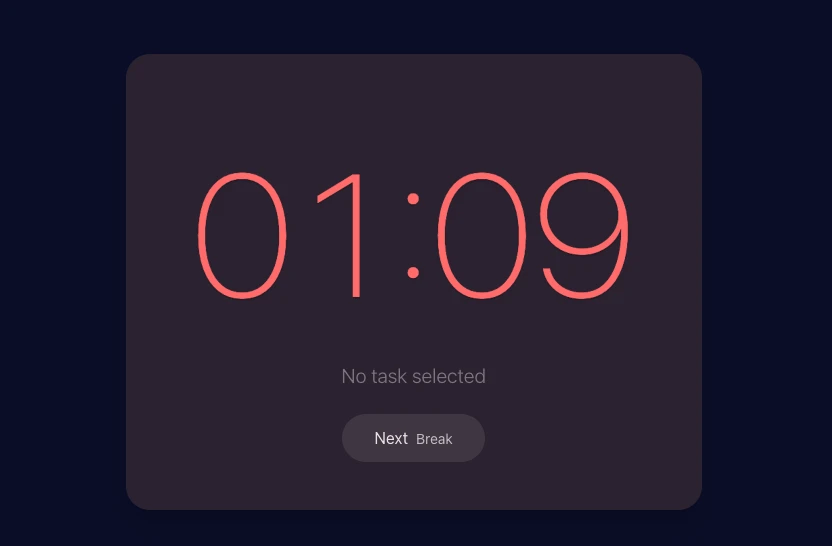
Add Your Task
Enter the task you'll work on today. A simple sentence is all you need.
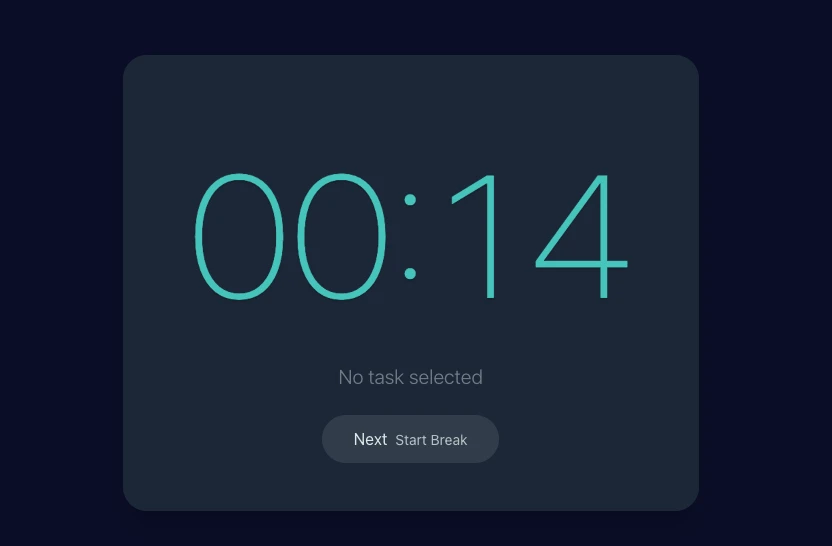
Start Focusing
Start the timer and get into your flow. Simply stop it when you feel tired.
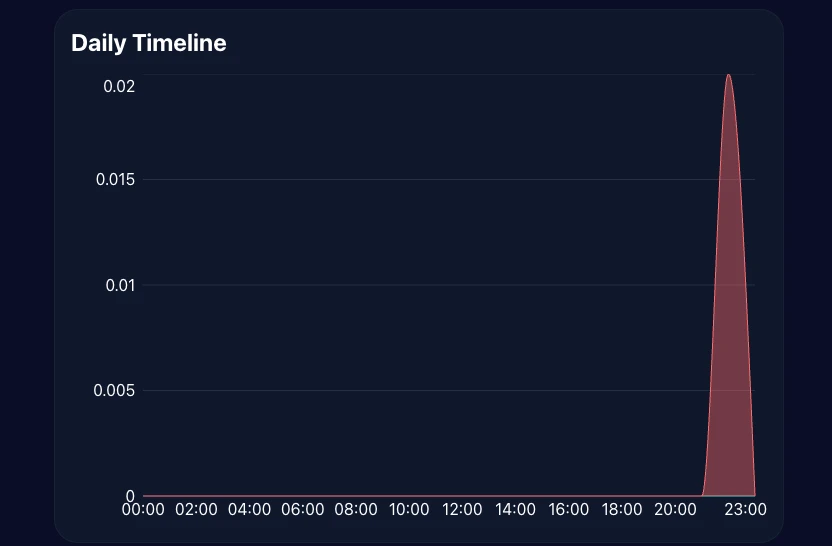
Review Your Records
Check the automatically recorded stats to help plan your next day.
Plans & Pricing
Come back to your focus logs from any device.
Choose a plan that fits your workflow.
Free
For getting started
- Tasks Unlimited
- Projects Up to 3 (excluding Inbox)
- Kanban View only
- Stats dashboard TODAY / WEEK only
- CSV / JSON export
- Google Calendar integration
Pro
Low-cost entry plan for core upgrades
- Projects Unlimited
- Kanban Full (editable)
- Stats dashboard Up to MONTH
- CSV / JSON export Up to 31 days
- Google Calendar integration
Premium
Main plan for full-range analysis and unlimited export
- Everything in Pro
- Stats dashboard YEAR / FULL
- All-time summary Full range
- CSV / JSON export Unlimited range
One-time purchase
Use Premium-equivalent analytics with a one-time payment when you do not want another subscription.
Limited-time launch price
$50$28
One-time
- One-time payment
- Premium-equivalent analytics
- No future billing
Secure payments via Stripe · Cancel anytime
What Our Users Say
Testimonials from people using FlowTime.
“Context switching decreased by 37%, and my focus time has significantly improved.”
“My daily focus sessions increased by three, and my productivity has visibly improved.”
“My recovery time was reduced by an hour. I can now take breaks before feeling exhausted.”
Frequently Asked Questions
Everything you need to know about FlowTime.
For those who want to focus deeper
FlowTime Focus Timer
Sign in to start now in your browser and sync your focus rhythm across devices.