
One-Button Timer Control
Switch between focus and break with a single button, so you can stay in the zone without hesitation.
 FlowTime
Learn how FlowTime helps you stay focused.
Switch between focus and break with a single button, so you can stay in the zone without hesitation.
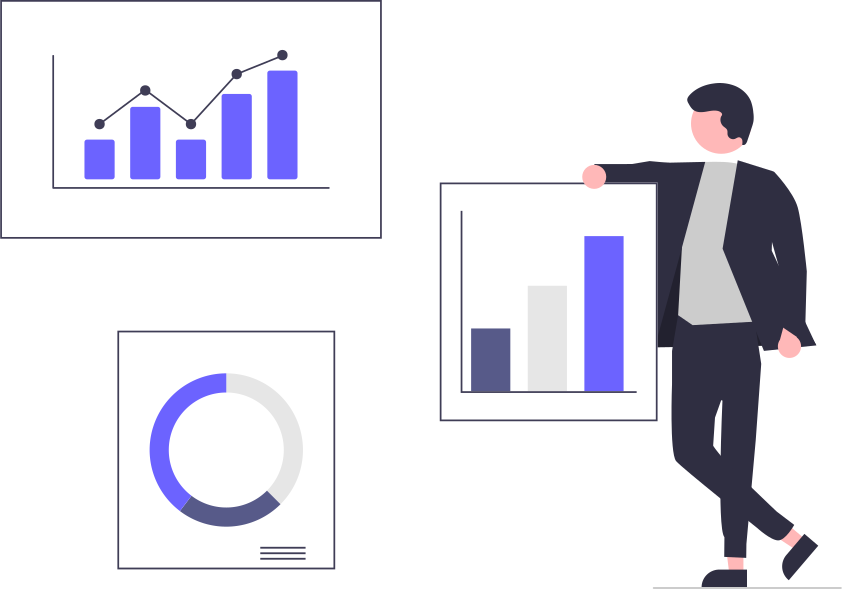
Track every second of each session in the stats dashboard, so you can review your progress with concrete numbers.
Sign in with your Google account to synchronise your data across any device.
Start mastering FlowTime in four easy steps.
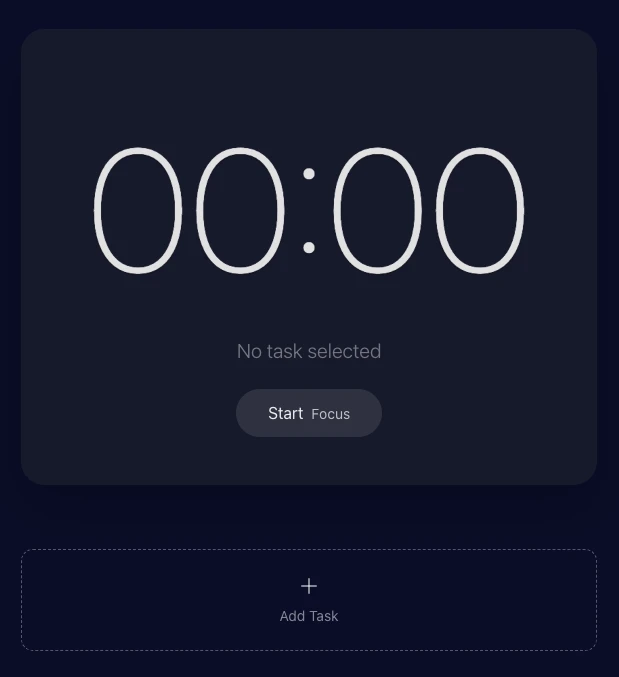
Tap the + button to register every task you plan to work on today. Each task will build its own focus history.
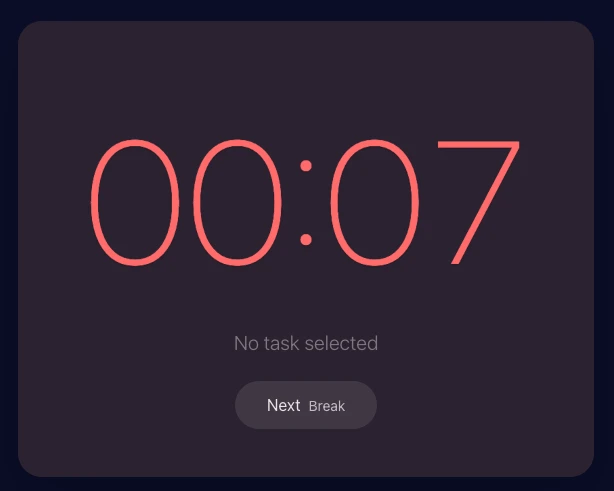
Press “Start Focus”. The timer turns red to indicate a focus interval—stay immersed until the alarm signals break time.
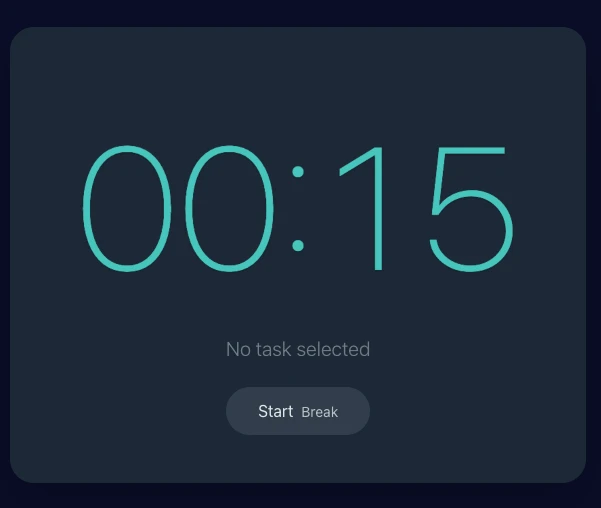
When the timer switches to aqua, you’re in break mode. Stretch, hydrate, or clear your mind before the next focus sprint.
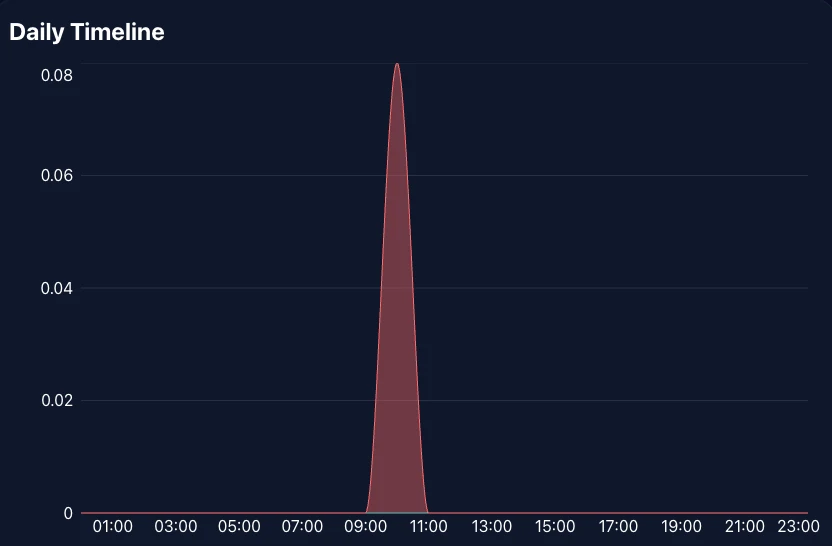
Open “Dashboard › Daily Timeline” to visualise when you were most productive. Spot your peak hours and fine-tune tomorrow’s schedule.
Understand how a task travels from Backlog to Done in three clear stages.
Adding a task spawns a Backlog card automatically. Estimated sessions carry over so you can spot the effort level before prioritising.
Drag cards into Todo or In Progress to persist lane changes instantly. Keyboard controls are supported and you can revert drops if needed.
Setting a card active hooks it to the focus timer. Completing a session moves the card forward and stores the log for the analytics dashboard.
FlowTime records a streak day whenever you finish one focus session followed by a break, and the flame badge shows the consecutive count. Here are the core rules only.
One focus interval plus the break that follows locks in the day and increases your streak by one.
Choose skipped weekdays under Settings → Streaks. Marked days never break the chain even if you stay idle.
Each saved session recalculates the badge so you always see the remaining requirement to secure today.
The Flowtime technique is a flexible time management method that emphasises working for as long as you can maintain concentration and taking a break only when your focus naturally fades. Instead of following preset intervals, you decide when to work and when to rest based on your own rhythm. The technique encourages deep immersion in a single task and draws on the psychology of flow, a state where you are fully engaged and lose track of time.
The Pomodoro technique divides work into fixed 25-minute sessions with 5-minute breaks and prescribes a longer break after four sessions. Its rigid schedule removes the need to fine-tune your own rhythm. Flowtime, by contrast, imposes no fixed intervals—you work until your focus wanes and choose the length of your break yourself. This flexibility lets you align work and rest with your energy levels and day-to-day variations. Flowtime also recommends dedicating roughly 20% of your focus duration to the subsequent break, so a 50-minute session is followed by about 10 minutes of recovery. It further encourages you to keep a detailed list of tasks and distractions so you can refine your schedule.
Begin by choosing a specific task—Flowtime works best when you unitask rather than multitask. Break large projects into smaller, actionable pieces and set a clear goal for each. Prepare a distraction-free workspace, then start working on your first task. Let your natural focus determine how long you work, and when you notice fatigue or dwindling concentration take a break. After each session, note what you accomplished and how long you worked; recording distractions can help you refine your schedule. Time-tracking tools and distraction blockers are useful companions because they measure your focus sessions and reduce interruptions.
Flowtime’s main advantage is its flexibility: you can adapt work and rest to your energy levels and task complexity. It also encourages reflection by logging tasks and interruptions, helping you build a feedback loop. The trade-off is that you must self-manage your schedule—if you struggle with open-ended planning, Flowtime may require more discipline to adopt. You may also need to set reminders to ensure you take breaks when needed.
Add your tasks to the task list and arrange them with drag-and-drop. When you are ready to focus, select a task and press the start button; a count-up timer will begin and, when you stop, the app will calculate a break equal to 20% of your work time. Stay focused on one task at a time while the session is running. After finishing a session, take the suggested break, then return to the next task. You can view your session history in the statistics dashboard, and on Pro or Premium you can export data to CSV/JSON for analysis. The app persists the timer state when the tab is inactive and synchronises sessions across multiple tabs, so you can continue working even if you navigate away.
In the statistics dashboard, you can visualise work and break time by day, week, month, and year, including focus trends with a 52-week heatmap and bar charts. CSV/JSON export is available on Pro and Premium (Pro up to 31 days, Premium unlimited).
Testimonials
Hear from people who use focus blocks to deliver results with FlowTime.
FlowTime lets me work until my focus naturally fades, so I can keep the 90-minute morning and evening blocks intact and push Slack pings into break slots. Re-reading context dropped, and rework on design reviews is down 37%.
Since I started using FlowTime between classes and club activities, my daily focus sessions increased by an average of three. The log shows how far I got, so I can end the day confident about my progress.
Protecting design time with FlowTime removed the one hours a day I used to lose regaining focus after project meetings. The weekly report also helped the team reach alignment faster.
Come back to your focus logs from any device.
Choose a plan that fits your workflow.
For getting started
Low-cost entry plan for core upgrades
Main plan for full-range analysis and unlimited export
Use Premium-equivalent analytics with a one-time payment when you do not want another subscription.
Limited-time launch price
$50$28
One-time
Secure payments via Stripe · Cancel anytime
FlowTime's Pause keeps away time out of both focus and break totals, so stepping away does not ruin the record you use to plan your next session.
Read story
FlowTime lets you edit, switch, complete, and delete tasks while a focus session is running. Here is why that matters for people who lose momentum when the tool gets in the way.
Read story
FlowTime tracks real focus time without mixing in breaks, pauses, or missing task labels. Here is why honest stats matter when you use a focus timer for studying or ADHD-friendly work.
Read story
FlowTime now offers a Lifetime option for people who want a focus record they can keep without adding another recurring bill.
Read story
FlowTime now has a one-time Lifetime plan, a Pause button for stepping away, the ability to edit and switch tasks while staying in focus, and drag-to-reorder in the list view. We also made the stats more accurate and cleaned up the mobile layout.
Read story
This article compares FlowTime Focus Timer and Flowmo by to-do app integration, focus record review, pricing, and supported platforms. If you want to keep using Todoist or TickTick as they are, Flowmo is a better fit. If you want to record focus time per task and review it later, FlowTime is a better fit.
Read story