 FlowTime
Harnessing the Waves of Focus: An ADHD-Friendly App for Maintaining Concentration

Has "Today's the Day" Become Your Catchphrase?

You wake up and check your schedule for the day. A report deadline, a coding task, creating documents. You have a mountain of things to do, yet for some reason, your body won't move. You pick up your smartphone, and before you know it, 30 minutes have passed. The morning slips by with only a growing sense of panic. Have you ever experienced this? It takes an unusually long time to start a task, and even while working, you find yourself opening one browser tab after another, looking at unrelated websites. Conversely, when you're on a roll, you hyperfocus and forget to take breaks, only to find later that your mind is foggy and you can't get anything done. This isn't a matter of weak willpower. For people with ADHD traits, traditional time management methods are often not a good fit.
The Pitfalls of the Pomodoro Technique
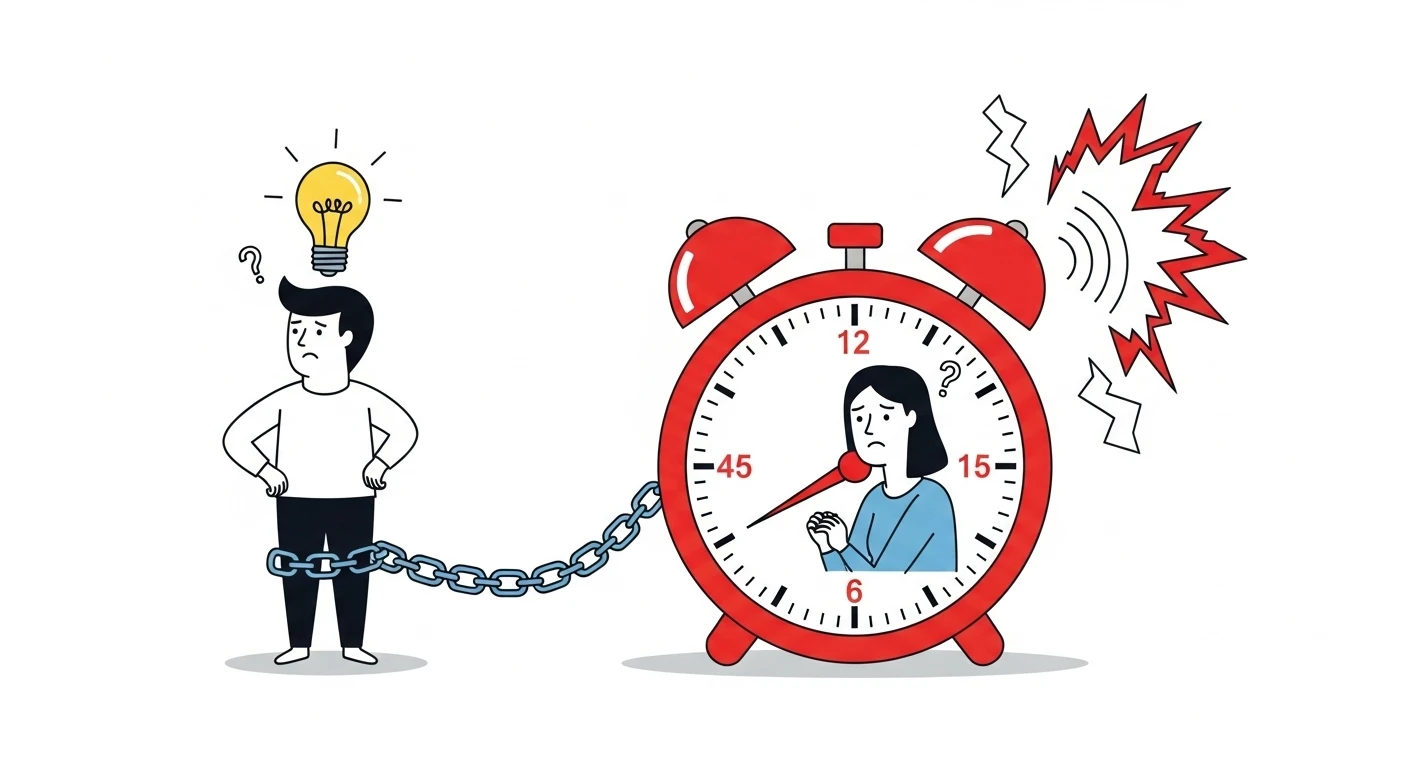
Work for 25 minutes, take a 5-minute break. While the Pomodoro Technique is beloved worldwide, it presents a major problem for people with ADHD. Just when you've finally entered a state of focus, the timer goes off and interrupts you. Conversely, even when you can't concentrate at all, you still have to wait for 25 minutes. This rigid time structure can actually become a source of stress. The same goes for multi-functional task management tools. With features like categorization, priority setting, and sub-task creation, the more functions there are, the more complex the operation becomes, moving you further away from the actual goal of "starting the work."
A Revolution Called the Variable Break System
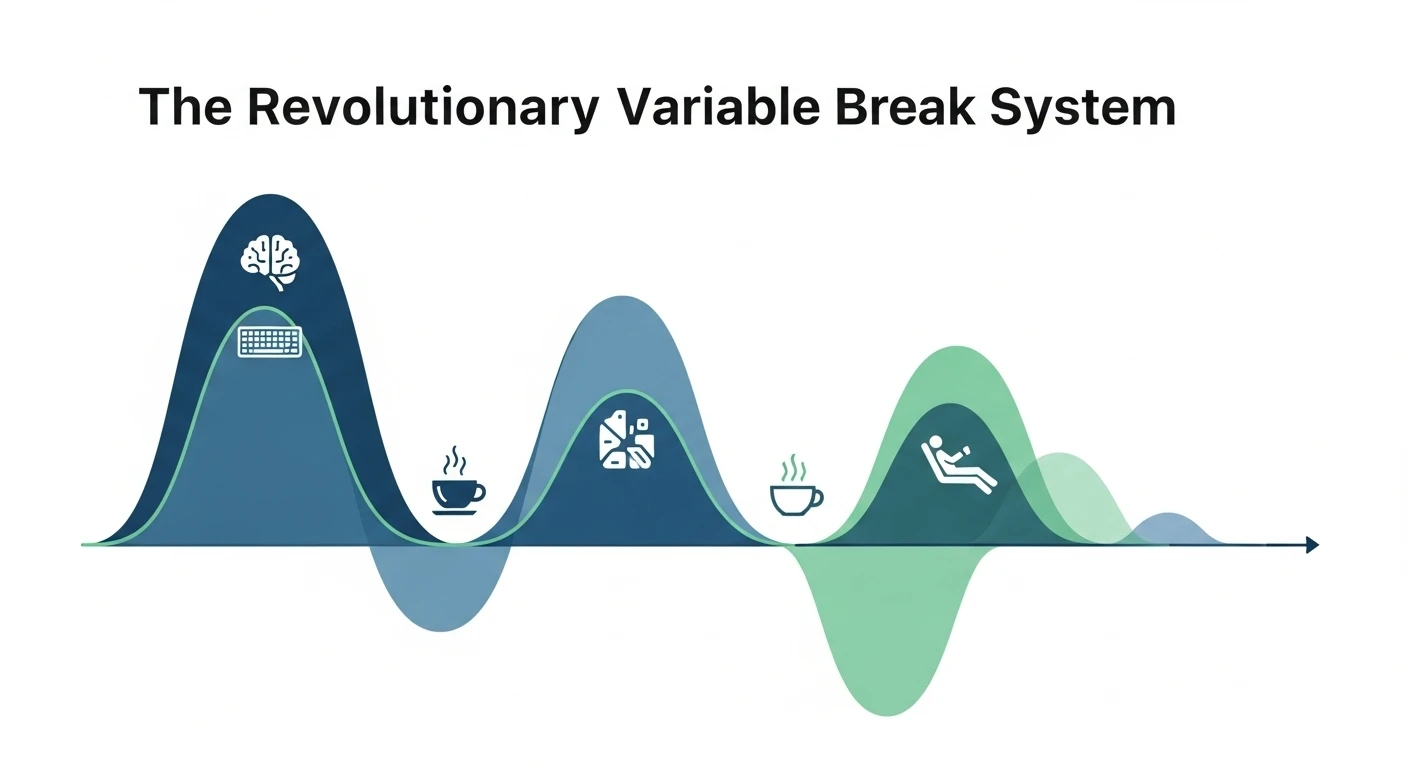
FlowTime's greatest feature is that the break time is automatically adjusted according to your work time. If you work for 25 minutes, you get a 5-minute break; for 50 minutes, you get a 10-minute break. In other words, 20% of your work time is allocated as break time. This system allows you to concentrate for longer periods when you're in the zone, and to take a break as soon as your focus wanes. It achieves truly personalized time management that adapts to the rhythm of your brain. The hyperfocus associated with ADHD can be a double-edged sword, but by taking breaks at the right moments, you can prevent burnout from extreme fatigue and maintain stable productivity.
The Simplicity of One-Button Operation
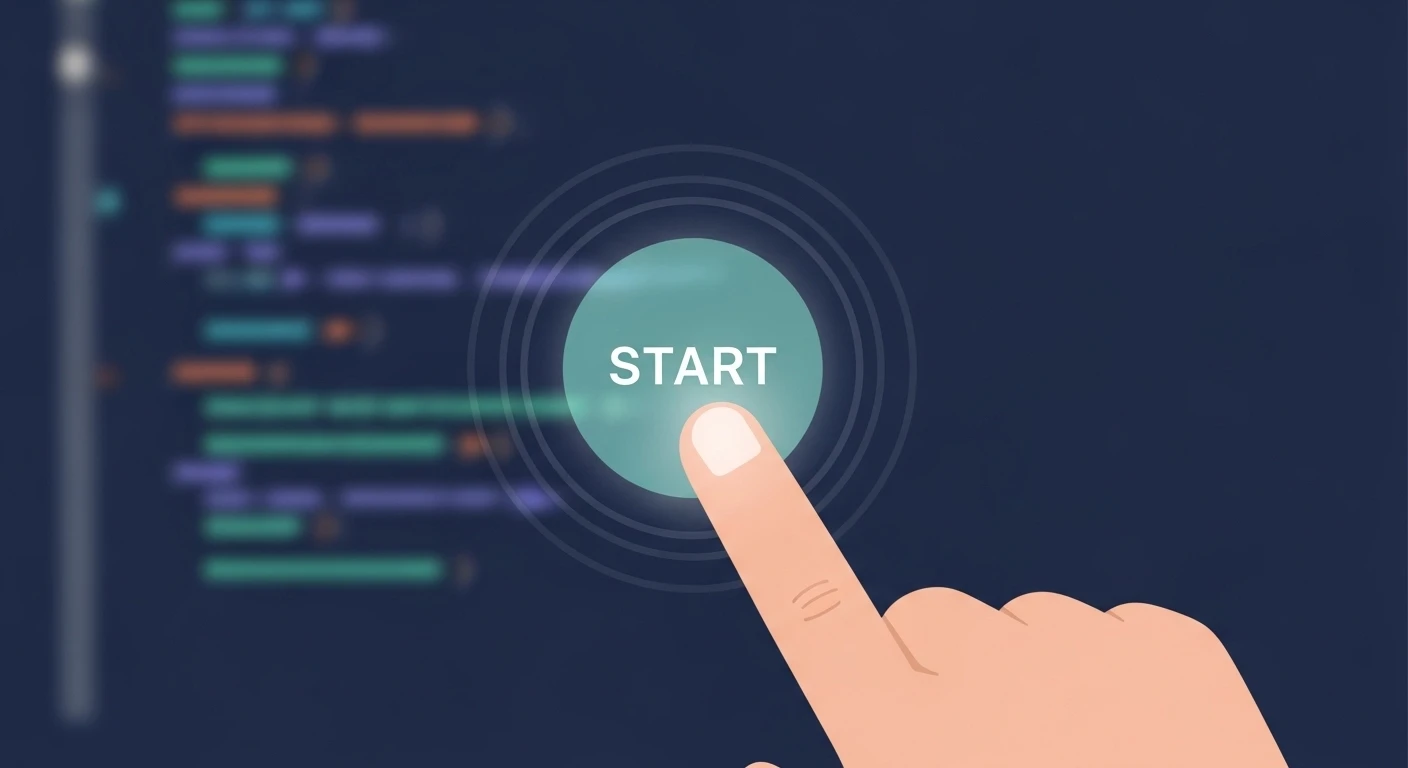
No complex setup is required. Simply press the large button in the center of the screen to start a focus session. When you want to end your work, you just press the same button. You are then presented with simple choices: take a break or move on to the next task. Keyboard shortcuts are also fully supported: use the K or P key to start and pause the timer, and the Enter key to proceed to the next action. You can operate it without touching the mouse, allowing you to maintain your train of thought. This extremely simplified design significantly lowers the barrier to starting a task.
A Statistics Feature to Visualize Your Growth
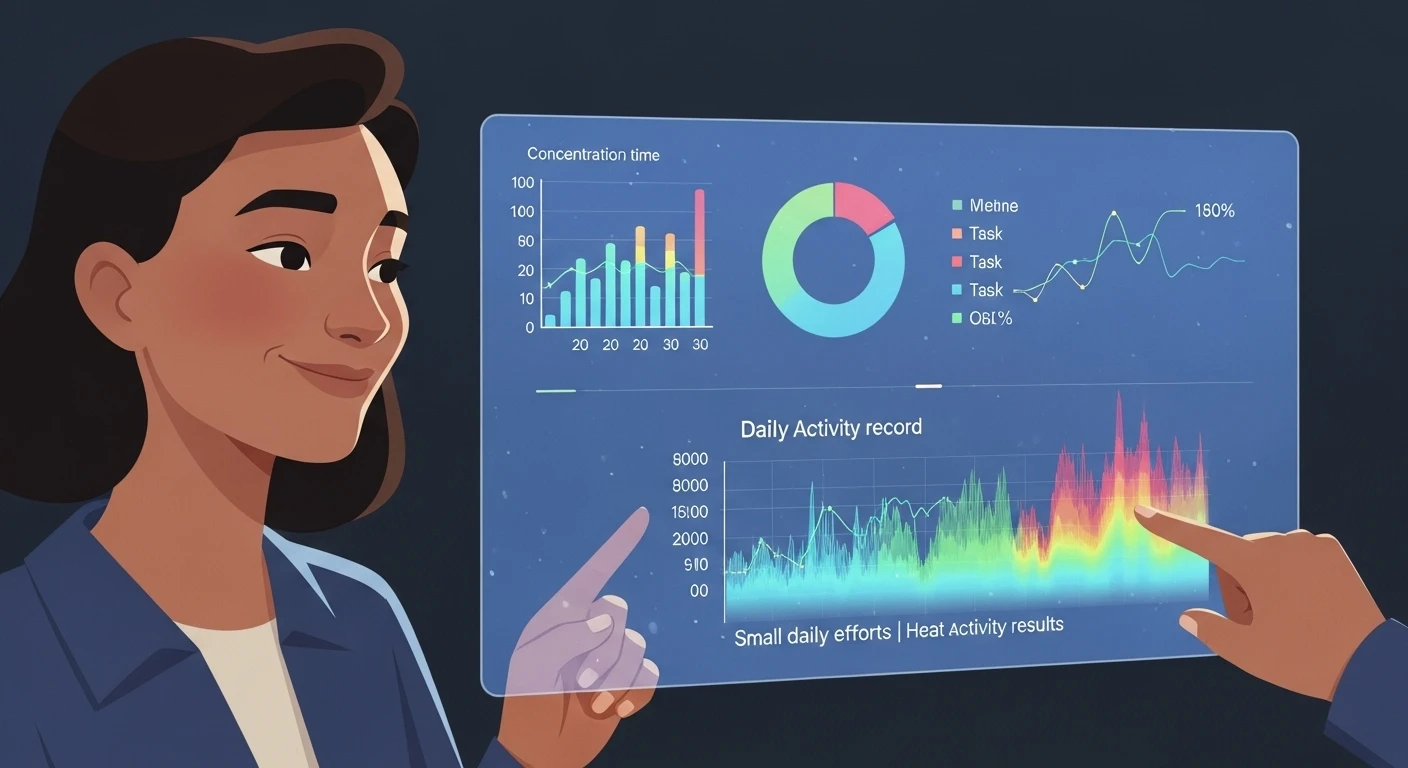
On the statistics dashboard, you can check your focus hours for today, this week, this month, and this year. By looking at the trends in bar and line graphs, you can see when you are most focused. A detailed breakdown of how much time you've spent on each task is also available. You can objectively review how you use your time, for example, "60% on development, 30% on studying, 10% on creating documents." Like a GitHub contribution graph, your year's activity history is displayed as a heatmap, allowing you to see how small daily efforts lead to significant achievements.
What Changed in June 2026 for ADHD-Friendly Focus
FlowTime's June 2026 update focused on removing the small frictions that make a focus app feel controlling. You can now edit, switch, complete, or delete tasks while a focus session is running. When you switch tasks, the focus time already earned is recorded first, then the timer continues on the new task. The lock remains only during breaks, where accidental taps are more likely.
Pause also gives you a cleaner way to step away. A phone call, water break, or bathroom trip should not become fake focus time, and it should not reduce the break you earned. Paused time is recorded as neither focus nor break for up to six hours.
The stats dashboard was also tightened so task and project totals use focus time only. Breaks are excluded, and focus time without a selected task is kept as "No task" instead of disappearing.
| Common friction | FlowTime behavior |
|---|---|
| A fixed timer interrupts you right when focus finally starts | You stop when your focus naturally fades |
| You need to fix or switch a task mid-session | You can edit or switch without stopping the timer |
| You step away and the app keeps counting | Pause keeps that time out of focus and break totals |
| Stats feel inflated by breaks | Task and project stats use focus time only |
For the detailed update notes, see the June 2026 FlowTime update. If fixed intervals are your main concern, compare the methods in Pomodoro vs Flowtime.
Pay Once, Keep the Proof You Built
Some users want their focus log to feel like a record they own, not another subscription they must keep managing. FlowTime now has a Lifetime option, but the stronger product direction is the proof itself: accurate focus-only stats, task-level history, and records that remain useful when you need to explain what you worked on.
This page is not medical advice and does not diagnose or treat ADHD. It describes workflow patterns that may help people who struggle with task initiation, interruptions, or hyperfocus. Use it as a practical focus tool, and rely on a qualified professional for clinical questions.
Start on Free Today and Build a Focus Rhythm
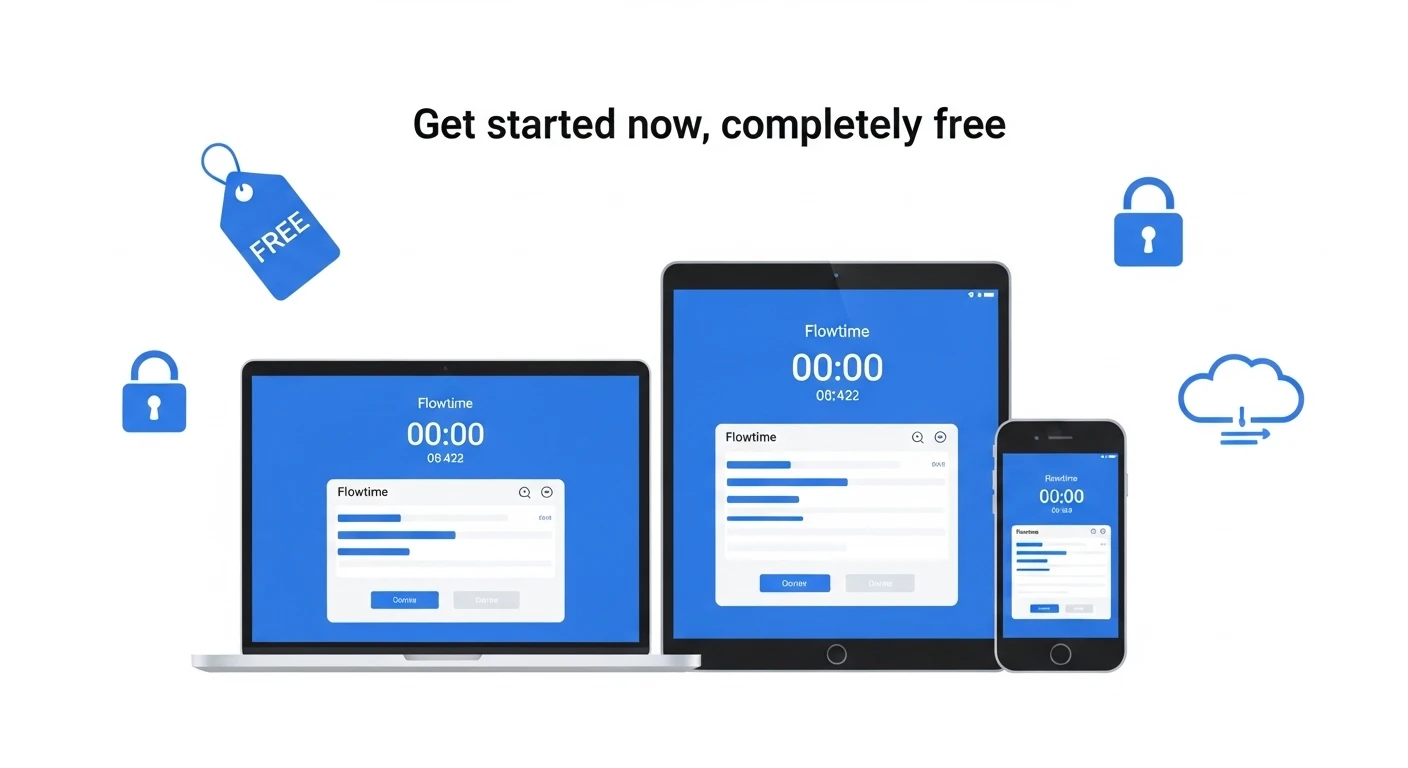
Sign in with Google to sync your work history and focus time data in the cloud. The Free plan includes the timer, task management, and basic statistics, while longer-range stats, CSV/JSON export, and Google Calendar integration are available on paid plans. It is accessible from the browser on any device—PC, smartphone, or tablet—with no special app installation required.
FAQ
Q. Is FlowTime an ADHD treatment app?
A. No. FlowTime is a focus timer and task logger. It can support practical routines, but it does not diagnose, treat, or replace professional care.
Q. Why can I edit tasks while the timer is running?
A. Because stopping the timer just to fix a task can break momentum. FlowTime records the focus already earned, then lets the timer continue safely.
Q. Does Pause count as focus time or break time?
A. No. Paused time is neither focus nor break, so stepping away does not inflate your stats or reduce the break you earned.
Q. Does FlowTime count breaks as study or work time?
A. No. Task and project stats use focus time only. Breaks are excluded, and focus without a selected task is preserved as "No task."
Q. Is Lifetime a subscription?
A. No. Lifetime is a one-time purchase option. The current fake-door proof cards are demand tests and do not open checkout.