 FlowTime
Pomodoro vs FlowTime
Find the method that fits how you focus
Should you work in fixed 25-minute sprints, or keep going until your focus naturally fades? This page explains the key differences between Pomodoro and FlowTime, shows when each works best, and lets you try a free FlowTime timer right in your browser.
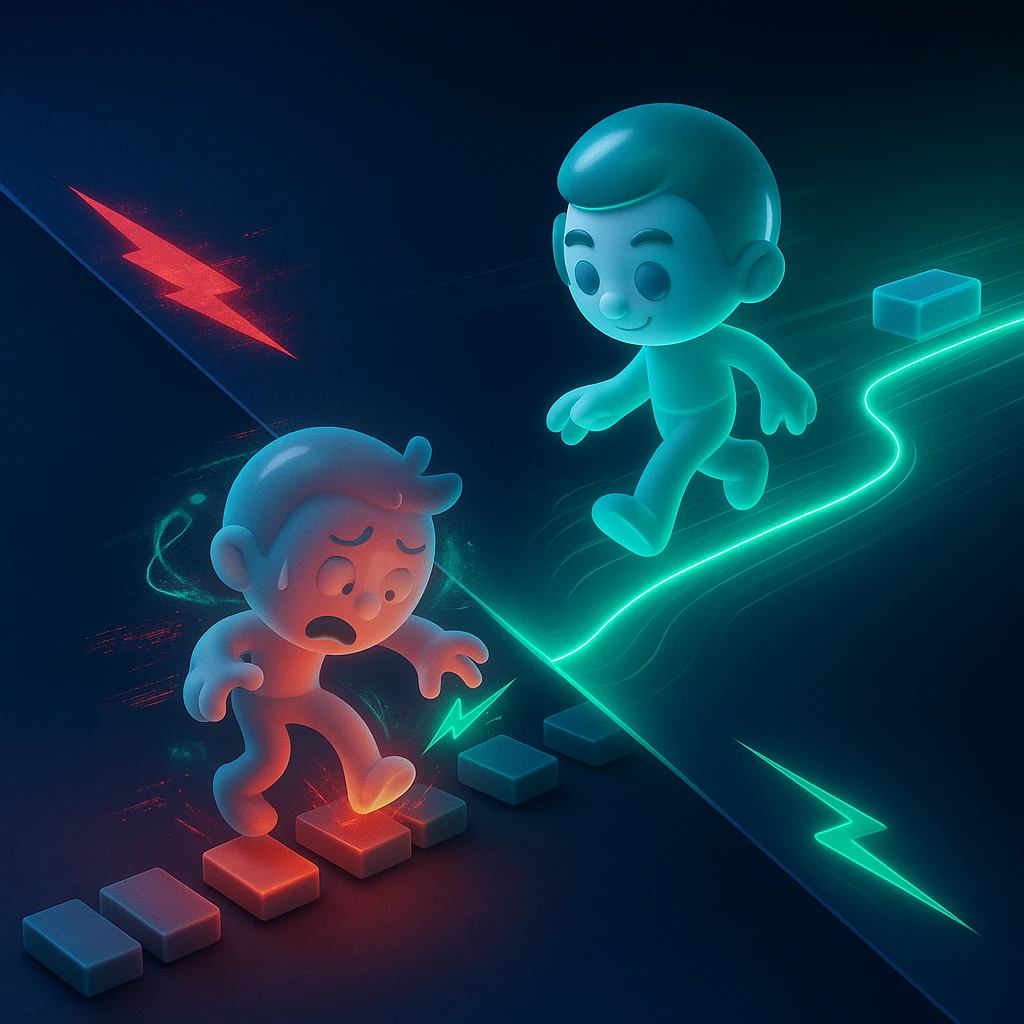


Track your work time → get 20% break suggestions → visualize your focus patterns
Focus on outcomes, not just features
Start faster
Stop overthinking and begin your first session with a single click.
Uninterrupted flow
Stay in the zone without a timer forcing you to stop right when it gets good.
Smart break lengths
FlowTime suggests a break that is about 20% of your last focus session, so you can rest without guessing how long is “enough.”
Data, not guesswork
See how long you actually focused and which times of day are strongest, based on real session data.
Easy to combine with Pomodoro
Use FlowTime for deep work and Pomodoro for small tasks, and switch between them by task or time of day.
Free, no account needed
Use FlowTime in your browser for free—sign in with Google to sync your data.
Understand the difference in 1 minute
Pomodoro uses fixed cycles: typically 25 minutes of work followed by a 5-minute break, with a longer break every few rounds. FlowTime uses flexible cycles: you work until your focus drops, then take a break that is roughly 20% of the time you just worked. Short, clearly defined tasks tend to fit Pomodoro. Deep thinking, design, coding, or writing often feel more natural with FlowTime.
FlowTime vs Pomodoro: comparison table
Choose based on task type and depth of focus.
| Aspect | FlowTime | Pomodoro |
|---|---|---|
| Goal | Help you stay immersed and maximize the quality of your work. | Help you get started and keep moving through tasks. |
| Work / stop pattern | You stop when your focus fades, not when a timer tells you to. | Fixed blocks (e.g., 25 minutes on, then stop when the timer rings). |
| Breaks | About 20% of the focus time you just completed. | 5 minutes (with a longer break every few cycles). |
| Best for | Writing, design, coding, research, and other deep work. | Homework, memorization, admin tasks, small todos. |
| Strength | Protects your flow state and doesn’t interrupt good momentum. | Very easy to plan and schedule around fixed blocks. |
| Caution | Easy to forget breaks if you push too hard (FlowTime’s suggestions help you stop). | Can break your flow if the timer rings at the wrong moment. |
Goal
Work / stop pattern
Breaks
Best for
Strength
Caution
How it works: 3 simple steps
Start the timer
Open FlowTime, pick a single task, and press Start to begin tracking your focus time.
Stop when your focus fades
Work until your concentration drops—when you feel the urge to check your phone or reread the same line, stop the timer.
Take a ~20% break and review
Take the suggested break (about 20% of that focus session), then later review your sessions in the dashboard to see when you focus best.
Plans & Pricing
Come back to your focus logs from any device.
Choose a plan that fits your workflow.
Free
For getting started
- Tasks Unlimited
- Projects Up to 3 (excluding Inbox)
- Kanban View only
- Stats dashboard TODAY / WEEK only
- CSV / JSON export
- Google Calendar integration
Pro
Low-cost entry plan for core upgrades
- Projects Unlimited
- Kanban Full (editable)
- Stats dashboard Up to MONTH
- CSV / JSON export Up to 31 days
- Google Calendar integration
Premium
Main plan for full-range analysis and unlimited export
- Everything in Pro
- Stats dashboard YEAR / FULL
- All-time summary Full range
- CSV / JSON export Unlimited range
One-time purchase
Use Premium-equivalent analytics with a one-time payment when you do not want another subscription.
Limited-time launch price
$50$28
One-time
- One-time payment
- Premium-equivalent analytics
- No future billing
Secure payments via Stripe · Cancel anytime
What users say
“Pomodoro for memorization, FlowTime for reading logs. Switching between them was surprisingly easy.”
“I use FlowTime for coding and Pomodoro for code reviews. The break suggestions help me avoid burning out.”
“I love that I’m not interrupted when I’m in the zone, and I can still see my focus data later.”
Frequently asked questions
Conclusion: Pomodoro for structured blocks, FlowTime for deep focus.
Start with one deep-focus task in FlowTime and compare it to a Pomodoro session—you’ll quickly see how your own focus behaves.